Top AI Tools for YouTube Creators in 2026 (Free & Powerful)
Discover the top AI tools for YouTube creators in 2026 that help with script writing, thumbnails, video editing, voiceovers, SEO, and channel growth.
Make Someone's Day
Share this incredible guide!
YouTube content creation is more competitive than ever, and creators need smarter tools to produce high-quality videos consistently. Modern AI tools for YouTube creators help automate scripting, editing, thumbnails, voiceovers, and SEO so you can focus more on creativity and audience growth. 🎬✨
If you want to save time and grow faster, here are the Top AI Tools for YouTube Creators in 2026 with their key features and benefits.
Top Premium App: YouTags Pro - Video Tags SEO
YouTags Pro is a powerful SEO tool for video creators, helping your content reach more viewers and grow your channel faster. Whether you’re a beginner or an experienced creator, YouTags Pro makes video optimisation simple and effective.
How to access a premium subscription for free? Just rate it 5 stars
👉 Download Here:- YouTags Pro - Video Tags SEO
1. ChatGPT – Best AI Tool for YouTube Script Writing & Ideas
ChatGPT helps creators generate video ideas, hooks, outlines, and complete scripts in minutes. It can also rewrite titles, create engaging intros, and suggest call-to-actions.
Key Features:
✅ Instant video ideas for any niche
✅ Full script generation
✅ Title and description suggestions
✅ Content rewriting and improvement
Benefits for Creators:
✔ Saves hours of planning time
✔ Helps maintain consistent uploads
✔ Improves storytelling and structure
✔ Great for beginners and professionals
2. Canva – Best AI Thumbnail & Graphics Creator
Canva allows creators to design eye-catching thumbnails, banners, and channel graphics using templates and AI-powered tools. Even beginners can create professional visuals easily.
Key Features:
✅ Thousands of thumbnail templates
✅ AI image generator & background remover
✅ Drag-and-drop editor
✅ Font and color combinations optimized for visibility
Benefits for Creators:
✔ Increases click-through rate (CTR)
✔ Creates professional branding
✔ Saves money on designers
✔ Fast and beginner-friendly
👉 Create Thumbnails with Canva
3. Descript – AI Video Editing Made Simple
Descript is an advanced AI-powered video editor that lets you edit videos by editing text. It automatically removes filler words, trims silences, and generates captions.
Key Features:
✅ Edit video using transcript text
✅ Automatic silence removal
✅ AI voice cloning & overdub
✅ Auto captions and subtitles
Benefits for Creators:
✔ Saves huge editing time
✔ Produces clean professional videos
✔ Perfect for podcasts, tutorials, and talking videos
✔ Improves audience retention
4. ElevenLabs – Realistic AI Voice Generator
ElevenLabs generates natural-sounding AI voices suitable for narration, storytelling, explainer videos, and faceless channels.
Key Features:
✅ Ultra-realistic AI voices
✅ Multiple accents and languages
✅ Voice cloning options
✅ Studio-quality audio output
Benefits for Creators:
✔ Ideal for faceless YouTube channels
✔ Saves recording time
✔ Maintains consistent audio quality
✔ Enables multilingual content
👉 Generate Voiceovers with ElevenLabs
5. TubeBuddy – AI YouTube SEO & Channel Optimization
TubeBuddy helps optimize titles, tags, descriptions, and keywords so your videos rank higher and reach more viewers.
Key Features:
✅ Keyword research tools
✅ Tag suggestions
✅ SEO score analysis
✅ Bulk processing and analytics
Benefits for Creators:
✔ Improves YouTube rankings
✔ Helps find low-competition keywords
✔ Saves time in optimization
✔ Boosts channel growth strategy
👉 Optimize Channel with TubeBuddy
6. vidIQ – AI Growth Insights & Video Ideas
vidIQ provides AI-powered analytics, keyword tracking, and trending topic suggestions tailored to your niche.
Key Features:
✅ Daily AI video ideas
✅ Keyword difficulty scores
✅ Competitor tracking
✅ Real-time performance insights
Benefits for Creators:
✔ Helps discover viral topics
✔ Improves content strategy
✔ Understands audience behavior
✔ Supports faster channel growth
7. Otter AI – Automatic Captions & Transcripts
Otter AI converts speech into accurate captions and transcripts instantly, helping improve accessibility and engagement.
Key Features:
✅ Real-time transcription
✅ Searchable text notes
✅ Export captions easily
✅ Cloud storage for recordings
Benefits for Creators:
✔ Improves accessibility for global viewers
✔ Boosts watch time and engagement
✔ Helps repurpose content into blogs or posts
✔ Saves manual captioning effort
Final Thoughts
The right AI tools for YouTube creators can transform your workflow by saving time, improving quality, and helping your channel grow faster. Whether you need scripts, thumbnails, editing, voiceovers, or SEO support, these tools provide everything required for modern YouTube success. 🚀
Start using these AI tools today and take your YouTube channel to the next level!
AI tools for YouTube creators, best AI tools for YouTubers, free AI tools for YouTube, AI YouTube script generator, AI thumbnail maker, AI video editor YouTube, YouTube SEO tools AI, AI voice generator for YouTube, grow YouTube channel with AI, YouTube automation tools 2026
AI Prompt:-
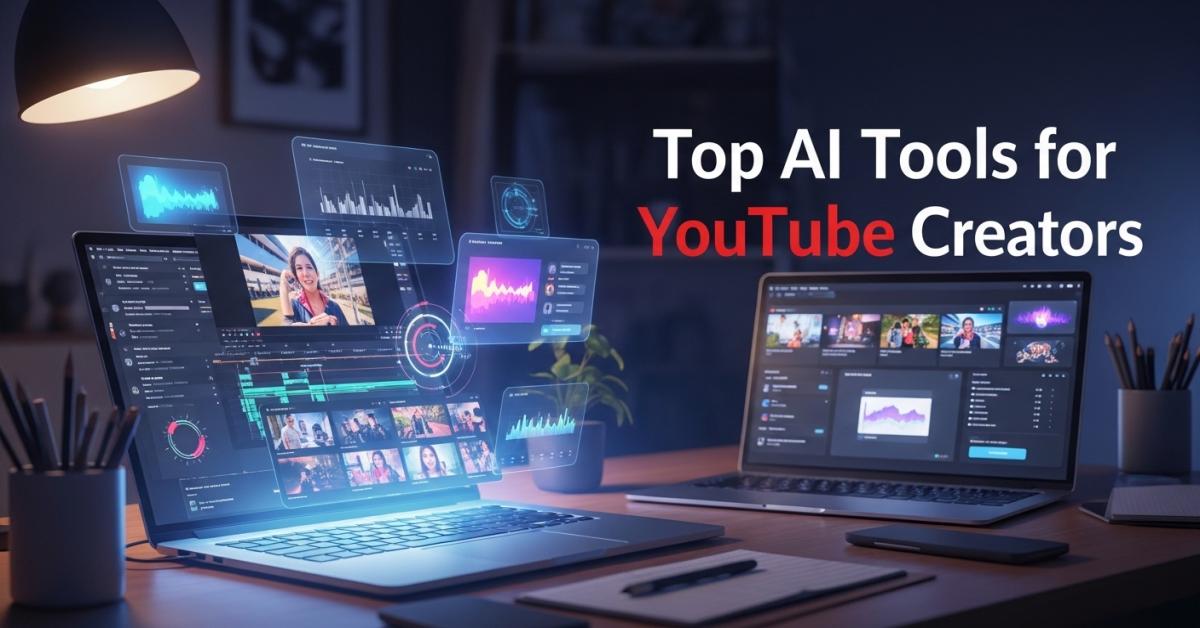
4K ultra-detailed cinematic scene of a modern creator workspace with a glowing laptop showing video editing timeline, colorful thumbnails, analytics charts, and creative digital interfaces floating holographically. Soft dramatic lighting, clean professional desk setup, depth of field, vibrant modern colors, highly realistic, sharp focus. Include large bold stylish headline text: ‘Top AI Tools for YouTube Creators’ in modern decorative typography, balanced composition
Guide Details
| Views | 470 |
| Category | AI Tools |
| Published | 16-Feb-2026 |
| Last Update | 10-Jun-2026 |
|
30
|
|